The 8 Best Workforce Management Software for Small and Midsize Businesses in 2026
We compared 17 workforce management tools for hourly teams on price, scheduling, time tracking, and US labor law features. Here are the 8 best for 2026.
This guide is general information, not legal advice. Employment rules vary by location; check the official source for yours.
If most of your team works shifts, the hard part of HR is not the handbook. It’s getting the right people on each shift, paying them for exactly the hours they worked, and staying on the right side of overtime, break, and scheduling rules while managers swap shifts by text.
Workforce management (WFM) software puts schedules, time clocks, time off, and labor rules in one place and sends clean hours to payroll. Search for it and you’ll mostly find enterprise suites and call center tools. This guide is for employers with roughly 5 to 500 hourly workers. We compared 17 tools on price, features, US labor law support, setup, and reviews to find the 8 best.
Top picks at a glance
- Deputy: the most complete small business WFM, from $5 per user.
- Humanity Schedule: $2.75 per employee with a compliance rules engine on Professional.
- Homebase: free for one location and up to 10 employees, with US payroll as an add-on.
- Connecteam: free for 10 users, then $29 a month for the first 30.
- When I Work: simple scheduling and time tracking from $2.50 per user.
- Planday: hospitality-friendly scheduling across 14 countries.
- Workforce.com: Fair Workweek rules for 11 US jurisdictions plus payroll.
- Dayforce: WFM inside a full HR and payroll suite for 100+ employees.
What should you look for in workforce management software?
Workforce management software for a small or midsize employer with hourly staff needs to get six things right, roughly in this order:
- A price that fits how you grow. Tools charge per user, per employee, per location, or a flat fee for the first 30 users. A 25-person café pays very differently on each model, so work out your cost at today’s headcount and at twice that.
- Scheduling and time clock in one app. The point is that the schedule and the punches live in the same place, so you can see late clock-ins, missed breaks, and unplanned overtime before payroll closes. Check that the employee mobile app is good, because your staff will use it more than you will.
- Overtime and break rules. Under federal law, non-exempt employees get at least one and one-half times their regular rate after 40 hours in a workweek, and some states add daily overtime and meal break rules. Good tools warn managers before a shift creates overtime. Our overtime calculator shows what a given week costs.
- Predictive scheduling, if it applies to you. A few cities set advance notice rules. New York City requires fast food employers to give workers schedules 14 days in advance, and Seattle’s ordinance covers retail and food service employers with 500+ employees worldwide. If you’re covered, you need a tool that tracks schedule changes and premium pay. If you aren’t, don’t pay extra for it.
- Getting started without a sales call. A free plan or a self-serve trial lets you build a real schedule before you commit.
- A clean handoff to payroll. Look for a direct integration with the payroll provider you already use, or built-in US payroll if you want one bill.
How we compared these tools
We started with 17 workforce management tools that appear in G2’s workforce management category, top search results for this topic, and our own tool database, then narrowed them to the 8 below. The full list, and why each tool did or didn’t make it, is at the end of this article.
Each tool was scored from 1 to 5 on five criteria, weighted as follows:
| Criterion | Weight | What we looked at |
|---|---|---|
| Price and value | 25% | Public entry price, cost for 30 hourly workers, what the entry plan includes |
| Core WFM features | 25% | Scheduling, time clock, absence, demand forecasting, labor analytics, mobile app |
| US labor law tools | 15% | Overtime, break, and predictive scheduling rules documented on the vendor’s site |
| Ease of getting started | 20% | Free plan or self-serve trial without a credit card, or a sales demo first |
| User reviews | 15% | G2 rating and number of reviews |
All prices, plans, and features come from each vendor’s own website, recorded on November 6 and 7, 2026, and ratings come from G2 and Capterra on the same dates. The screenshots show each tool’s homepage on November 13, 2026 (Connecteam’s shows its pricing page instead). We didn’t sign up for or use these products; everything here comes from public vendor information and attributed user reviews. Prices change often, so check the vendor’s site before you buy. You can read more about how we research and compare software.
Comparison table
| # | Tool | Best for | Starting price (Nov 2026) | Pricing model | Free option | G2 rating | Score |
|---|---|---|---|---|---|---|---|
| 1 | Deputy | US labor law compliance | $5 per user/month (annual) | Per user | Trial up to 31 days | 4.5 (937 reviews) | 4.70/5 |
| 2 | Humanity Schedule | Low per-employee price | $2.75 per employee/month (annual) | Per employee | 30-day trial | 4.3 (1,130 reviews) | 4.40/5 |
| 3 | Homebase | Free plan for one location | $0; paid from $24 per location/month (annual) | Per location | Free plan, 14-day trial | 4.6 (659 reviews) | 4.38/5 |
| 4 | Connecteam | Deskless teams | $0; paid from $29/month for 30 users (annual) | Flat for 30 users, then per user | Free plan, 14-day trial | 4.6 (3,506 reviews) | 4.33/5 |
| 5 | When I Work | Simple US scheduling | $2.50 per user/month | Per user | 14-day trial | 4.4 (420 reviews) | 4.20/5 |
| 6 | Planday | Hospitality, US and Europe | $2.99 per user/month (5 user minimum) | Per user | 30-day trial | 4.5 (88 reviews) | 4.00/5 |
| 7 | Workforce.com | Fair Workweek plus payroll | Pricing on request | Per user, by quote | n/a | 4.5 (139 reviews) | 3.58/5 |
| 8 | Dayforce | Midsize employers, one HR system | Pricing on request | Quote | n/a | 4.2 (962 reviews) | 3.13/5 |
Scores are rounded to two decimal places. Dayforce’s rating covers its whole HR platform, not just workforce management.
What 30 hourly workers would cost
For a single location with 30 people who need logins, on the cheapest plan that includes scheduling and a time clock (list prices, November 2026):
| Tool | Plan | Monthly cost for 30 people |
|---|---|---|
| Homebase | Essentials, annual | $24 (priced per location) |
| Connecteam | Operations Basic, annual | $29 (flat for the first 30 users) |
| When I Work | Single location | $75 ($2.50 x 30) |
| Humanity Schedule | Essentials, annual | $82.50 ($2.75 x 30, managers count) |
| Planday | Starter | $89.70 ($2.99 x 30) |
| Deputy | Lite, annual | $150 ($5 x 30) |
The cheapest entry plans leave out features you may want. Overtime alerts sit in Homebase’s Plus plan ($56 per location), auto-scheduling needs Connecteam’s Expert plan ($99), and Deputy’s demand forecasting starts on Core ($6.50 per user). Add-ons such as payroll, extra hubs, or SMS are extra.
The 8 best workforce management software
1. Deputy: best for US labor law compliance
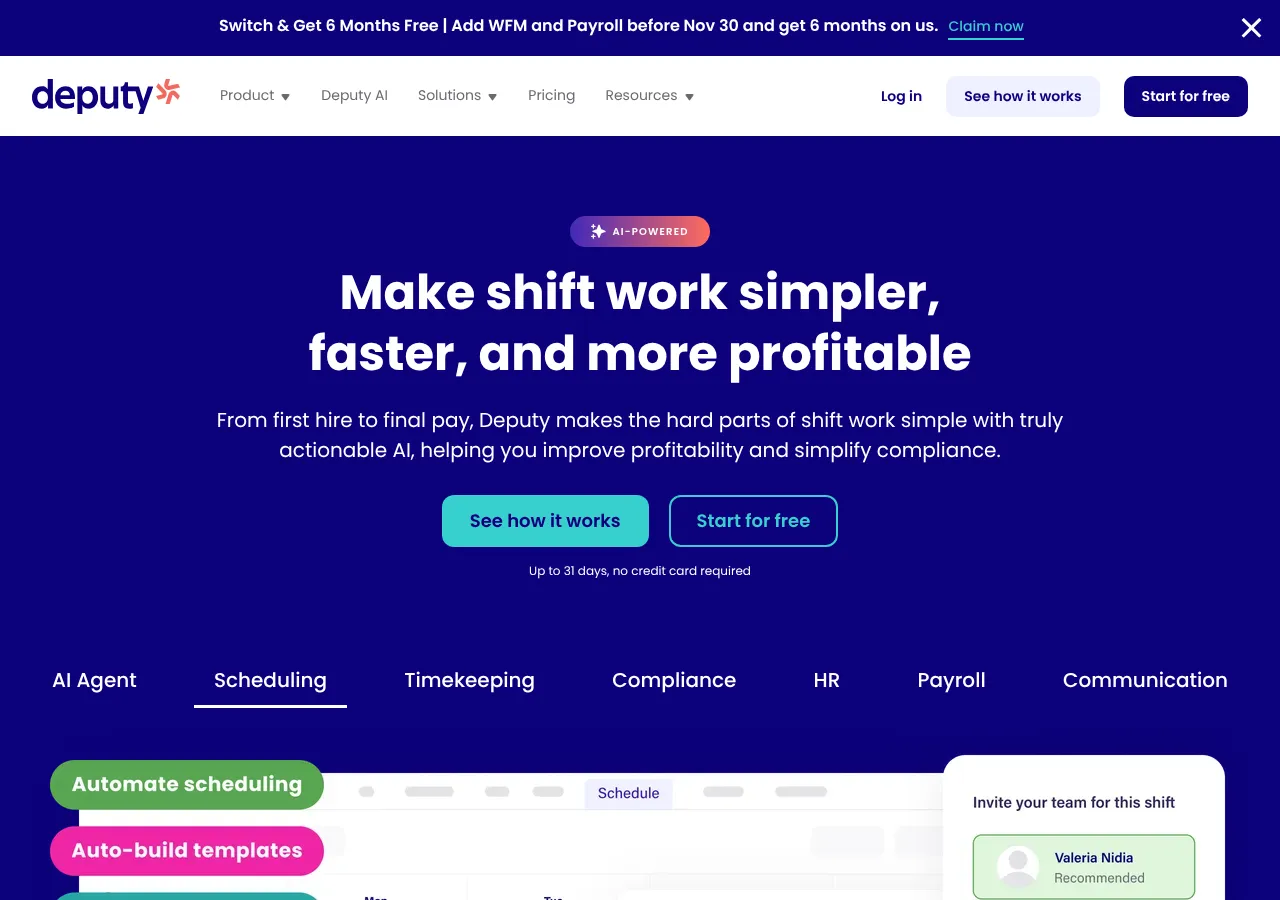
Deputy’s homepage, captured November 13, 2026.
- Best for: hourly teams of any size that need scheduling, time clocks, and labor law rules in one app
- Score: 4.70/5
- Pricing (as of November 2026): Lite $5, Core $6.50, and Pro $9 per user per month billed annually ($5.50, $7.25, and $10 monthly). Pro is sold through sales. A $30 minimum monthly spend applies on monthly plans.
- Ratings: G2 4.5 out of 5 (937 reviews); Capterra 4.6 out of 5 (792 reviews)
What it is: Deputy is a shift scheduling, time clock, and labor compliance platform built for hourly workplaces, from single sites to franchises. It is priced per user, and you can add HR, US payroll, messaging, and analytics modules as you grow. Its homepage says the free trial runs up to 31 days with no credit card required.
What users say: A track attendant at a mid-market company wrote on G2 that they like “how easy and convenient it makes managing work schedules and shifts.” A manager at an enterprise company noted that notifications for an employee “seem to be shared fully up the reporting structure.”
Key features:
- Auto-scheduling, demand forecasting, and wage budgets from the Core plan
- Fair Workweek rules for Chicago, Los Angeles, Philadelphia, and New York City, with good faith estimates and predictability pay flags
- California split shift and missed break premiums, New York spread of hours, and FLSA overtime flags on timesheets
- Optional US payroll enabled by Paycor ($8 per user per month plus a $49 monthly base fee, annual Core and Pro)
- Integrations with payroll and POS tools including ADP, Gusto, Paychex, Square, and QuickBooks
Pros:
- The most specific US labor law support among the self-serve tools here
- Forecasting and auto-scheduling on a mid-priced plan rather than enterprise only
- Long free trial with no card needed
Cons:
- Costs more per head than When I Work or Humanity Schedule for a basic schedule
- Many useful pieces (HR, payroll, Messaging+, Analytics+) are paid add-ons on Lite and Core (Pro includes Messaging+ and Analytics+)
- Multi-location hierarchies and custom access levels need the Pro plan, which goes through sales
Bottom line: Deputy is the best all-round choice if labor rules are a real risk for you, and it’s priced so a 20-person team can afford it.
2. Humanity Schedule: best low per-employee price
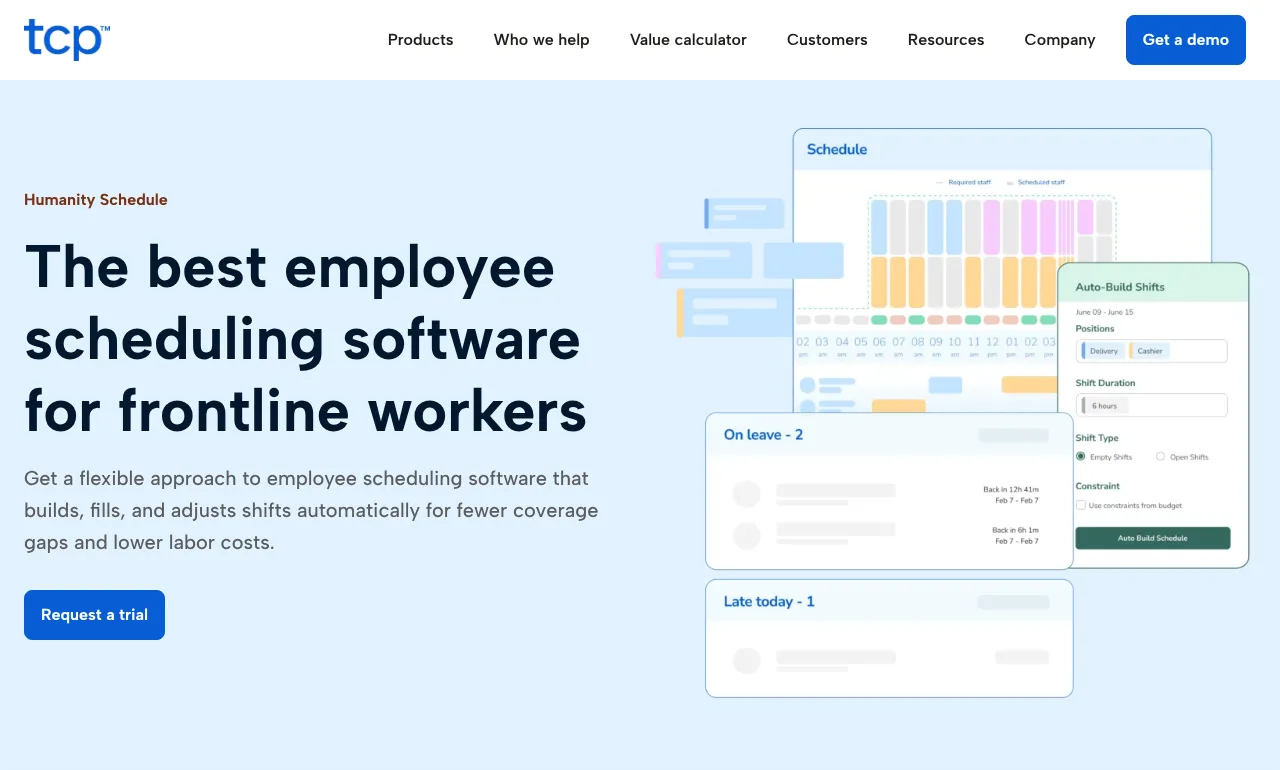
Humanity Schedule’s homepage on the TCP Software site, captured November 13, 2026.
- Best for: budget-conscious employers that still want auto-scheduling and compliance rules
- Score: 4.40/5
- Pricing (as of November 2026): Essentials $2.75 per employee per month and Professional from $3.75, billed annually. Enterprise is quote only. The employee count includes managers and admins who log in.
- Ratings: G2 4.3 out of 5 (1,130 reviews); Capterra 4.3 out of 5 (380 reviews)
What it is: Humanity is an employee scheduling product for frontline teams, now sold by TCP Software as Humanity Schedule after TCP acquired it in 2020. It covers scheduling, geofenced clock-in, and, on Professional, demand-based scheduling and a labor rules engine. TCP’s pricing page offers a 30-day trial of the Professional plan with no credit card.
What users say: An administrative assistant at a mid-market company said on G2 in 2026: “We would love a way to mirror our current process of the staff bidding for a shift, which will not work currently.”
Key features:
- Drag and drop scheduling, shift swaps, availability, and time-off requests on Essentials (up to 250 employees)
- Auto-fill and demand-based scheduling, labor cost budgets, and skills and certifications on Professional
- Compliance rules engine for FLSA and state overtime, Fair Workweek advance notice and rest between shifts, meal and rest breaks, and minor work limits (Professional and Enterprise)
- Integrations with ADP, Oracle, Workday, and BambooHR
Pros:
- A low per-head price for a tool with a full compliance rules engine
- Long trial of the higher plan without a card
- Built for multiple locations from the entry plan
Cons:
- Review scores (4.3 on G2 and Capterra) trail Deputy, Homebase, and Connecteam
- The rules engine, demand scheduling, and labor budgets are not in Essentials
- Add-on prices (Shift Tasks, Labor Optimizer, API access) are not published
Bottom line: Humanity Schedule gets you most of what Deputy does for less per head, as long as you’re comfortable with a product whose reviews are a step behind.
3. Homebase: best free plan for one location
Homebase’s homepage, captured November 13, 2026.
- Best for: single-location small businesses that want scheduling, time tracking, and optional US payroll
- Score: 4.38/5
- Pricing (as of November 2026): Basic is free for 1 location and up to 10 employees. Essentials $24, Plus $56, and All-in-One $96 per location per month billed annually ($30, $70, and $120 monthly). Payroll (US only) is $49 a month plus $6 per employee paid.
- Ratings: G2 4.6 out of 5 (659 reviews); Capterra 4.6 out of 5 (1,159 reviews)
What it is: Homebase is a scheduling, time clock, team messaging, and payroll app for small businesses with hourly teams. Paid plans are priced per location with unlimited employees, which makes it very cheap for one busy site. Payroll is available to US-based customers in all 50 states and Washington, D.C.
What users say: An office manager at an automotive business with 2 to 10 employees said on Capterra that it “turned it into a easy open way to communicate as a team or individually.” A restaurant owner with 11 to 50 employees wrote: “There are features that would be helpful but are not included lower tier plans.”
Key features:
- Free plan with basic scheduling, time tracking, shift trades, open shifts, team messaging, and POS integration
- Geofenced mobile clock-in, availability, and payroll integrations on Essentials
- AI Scheduling Assistant, scheduling from forecasted sales, PTO accruals, break waivers, and overtime alerts on Plus
- Certified HR advisors, a custom handbook, and labor law alerts on All-in-One
Pros:
- A real free plan for a small single site
- Per-location pricing stays flat as you hire more hourly staff
- Built-in US payroll with tax filing and W-2s if you want one app
Cons:
- Overtime alerts and break rules need the Plus plan
- Costs add up per location for multi-site businesses
- No predictive scheduling (Fair Workweek) feature on its site
Bottom line: For one restaurant, shop, or clinic, Homebase is the cheapest way to get a schedule, time clock, and payroll working together.
4. Connecteam: best for deskless teams that want chat and HR too
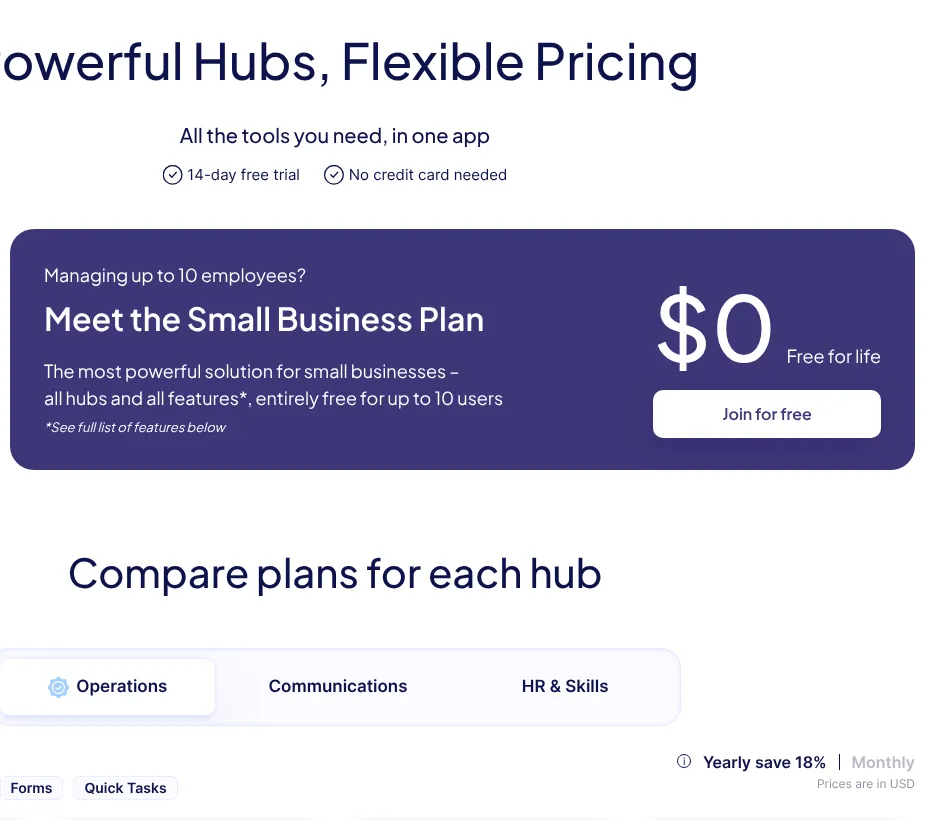
Connecteam’s pricing page, captured November 13, 2026. We show the pricing page because the homepage features photos of people.
- Best for: field and deskless teams that want time tracking, scheduling, chat, and HR tools in one app
- Score: 4.33/5
- Pricing (as of November 2026): Small Business Plan free for up to 10 users. Each hub is priced separately; the Operations hub (time clock and scheduling) costs $29, $49, or $99 a month for the first 30 users billed annually, plus $0.80 to $4.20 per extra user. Yearly billing saves 18 percent.
- Ratings: G2 4.6 out of 5 (3,506 reviews); Capterra 4.6 out of 5 (5,320 reviews)
What it is: Connecteam is an all-in-one app for deskless and frontline teams, split into Operations, Communications, and HR & Skills hubs. Its flat price for the first 30 users makes it cheap for teams just under that size. It suits cleaning, construction, field service, and care teams that work across many sites.
What users say: A reviewer in hospital and health care wrote on Capterra in 2026: “It solves a problem that no other app has been able to solve for me.” Another reviewer in the same industry said: “Improving uptime and reducing technical disruptions would make the overall user experience much better.”
Key features:
- GPS time clock, payroll integration, and open shifts on Operations Basic
- Timesheet approval, auto clock-out, geofences, and repeating shifts on Advanced
- Auto-scheduling, up to 12 schedules, and API access on Expert
- Auto-scheduling flags overtime, rest and break violations, maximum hours, and minor limits
- Payroll integrations including QuickBooks, Gusto, Paychex Flex, and ADP
Pros:
- Free for teams of 10 or fewer, with all hubs included
- Very large review base with high scores
- Chat, updates, documents, and training sit next to scheduling
Cons:
- Each hub is billed separately, so a full setup can cost three times the headline price
- Auto-scheduling needs the $99 Expert plan
- Demand forecasting is limited to comparing projected sales from a POS or CSV with labor
Bottom line: Connecteam is the best value for a team of up to 30 people working away from a desk, as long as you price the hubs you actually need.
5. When I Work: best for simple US shift scheduling
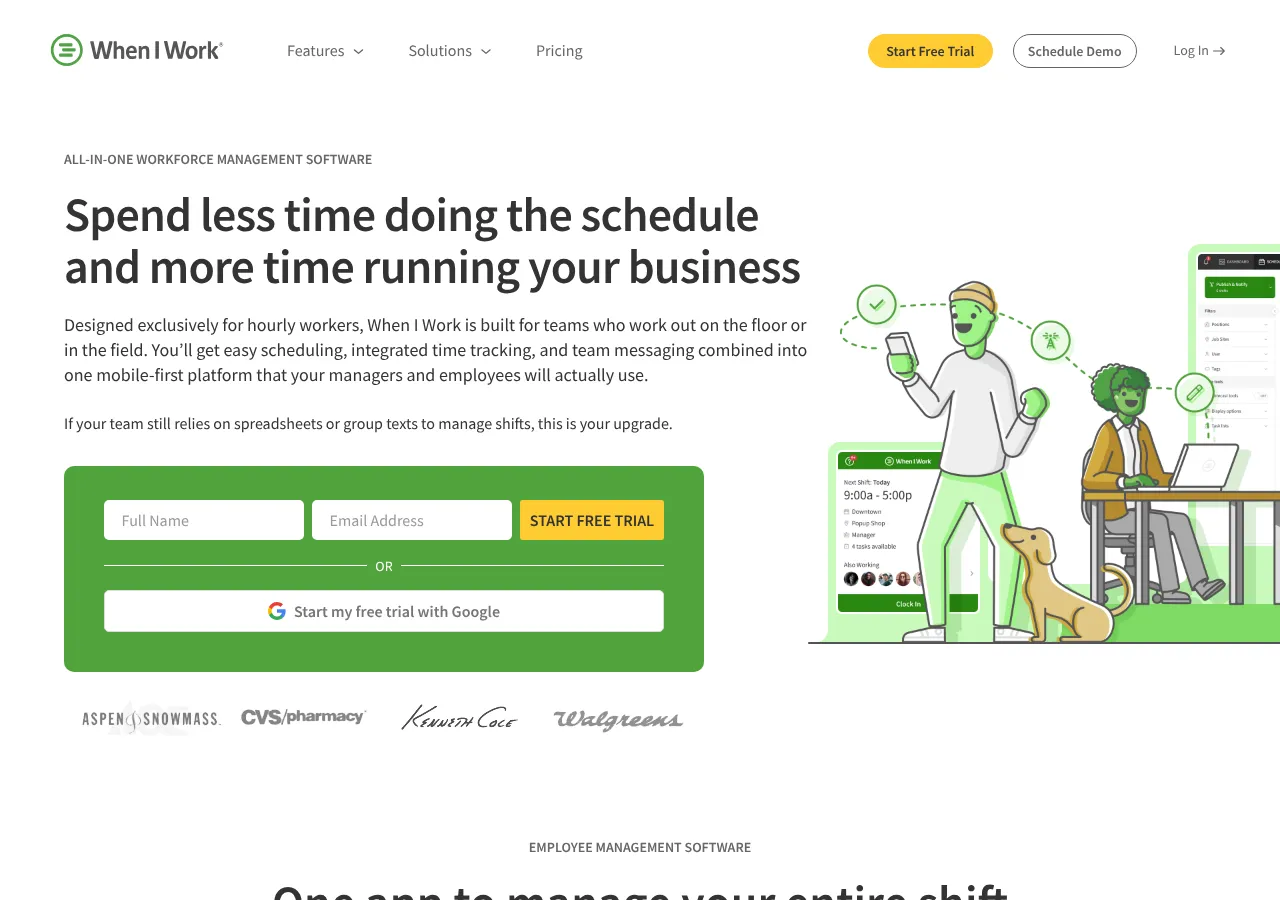
When I Work’s homepage, captured November 13, 2026.
- Best for: US teams that want an easy schedule and time clock at a low per-user price
- Score: 4.20/5
- Pricing (as of November 2026): $2.50 per user per month for a single location or schedule, $5 per user per month for multiple locations or schedules, and Enterprise by quote. Monthly or annual billing, no contracts.
- Ratings: G2 4.4 out of 5 (420 reviews); Capterra 4.5 out of 5 (1,301 reviews)
What it is: When I Work is a scheduling, time clock, and team messaging app for hourly teams. Its terms of service say the service is designed for US workplaces. Payroll runs through a Rippling partnership rather than a built-in module.
What users say: A small business reviewer said on G2: “I like the flexibility that When I Work provides.” Another wrote: “I don’t like that I can’t change the schedule format from weekly to align with my pay schedule.”
Key features:
- Auto scheduling, time off and availability, and a built-in time clock on the entry plan
- Labor reports and forecasts, plus payroll and POS integrations
- Overtime alerts, break attestations at clock-out, minimum rest and maximum consecutive day rules, and early clock-in prevention
- Unlimited job sites, labor sharing, and custom reporting on the multi-location plan
Pros:
- Low per-user price with auto scheduling included
- Simple enough for managers to learn quickly
- Integrates with Gusto, ADP, Paychex, QuickBooks, and others
Cons:
- No predictive scheduling (Fair Workweek) feature found on its site
- Built for US workplaces only
- The plan lineup appears to be changing (the pricing page’s code still showed an older three-plan layout), so confirm what each plan includes
Bottom line: When I Work is a sensible, low-cost pick for a US business that mainly needs schedules and timesheets to stop living in group texts.
6. Planday: best for hospitality teams in the US and Europe
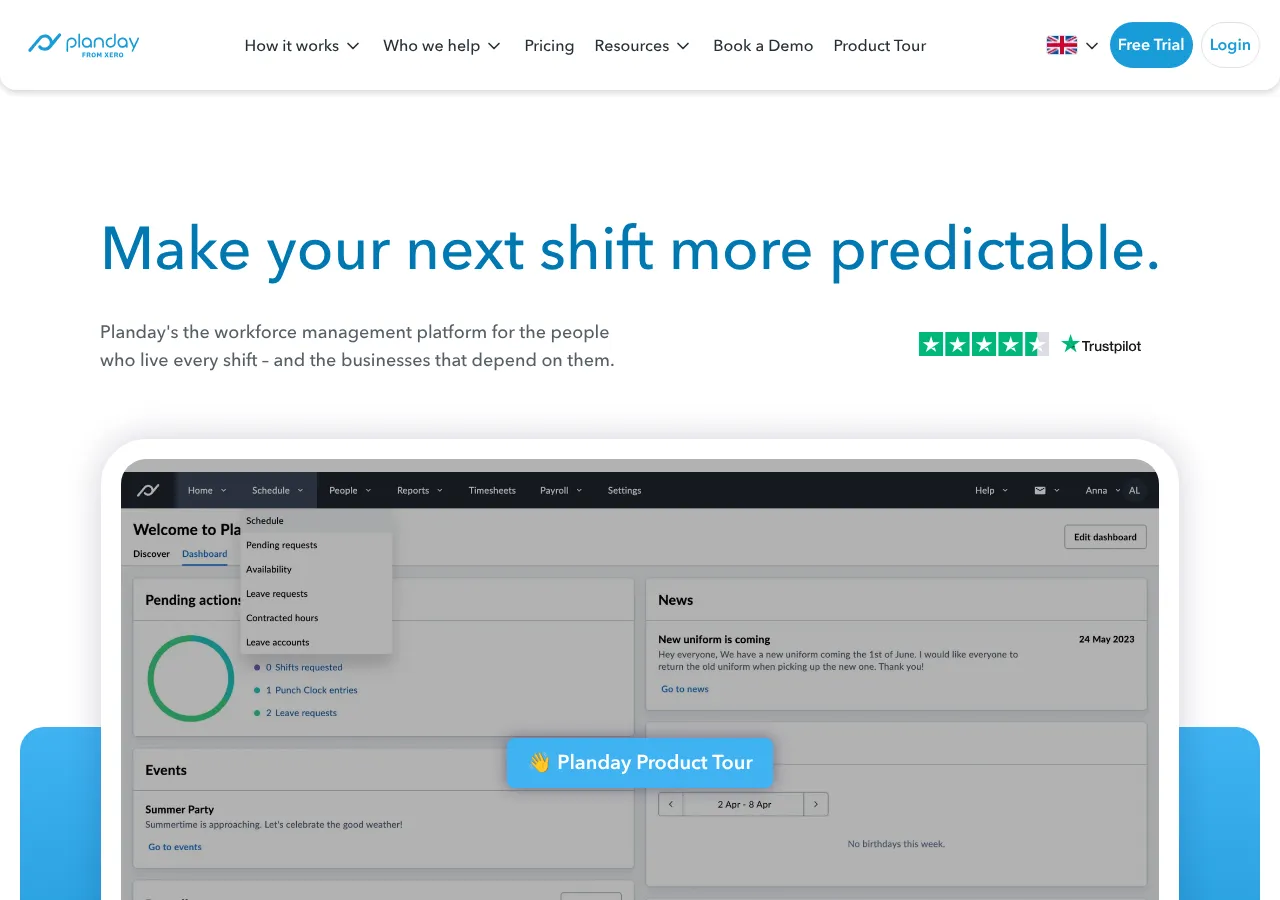
Planday’s homepage, captured November 13, 2026.
- Best for: restaurants, bars, and hotels with staff in more than one country
- Score: 4.00/5
- Pricing (as of November 2026): Starter $2.99 per user per month (minimum 5 users), Plus $4.49 per user per month plus a $15 monthly fee (minimum 10 users), and Pro by quote. Prices shown to a US visitor; the currency follows your location.
- Ratings: G2 4.5 out of 5 (88 reviews); Capterra 4.3 out of 5 (58 reviews)
What it is: Planday is a shift scheduling and time tracking platform for hospitality and retail, owned by Xero. It lists payroll and POS integrations in 14 countries, including the US, UK, Canada, Australia, and much of Europe. It offers a 30-day free trial with no card.
What users say: A hospitality business owner with 11 to 50 employees wrote on Capterra in 2026: “The scheduling tools are straightforward and make it easy to plan shifts.” A restaurant chain manager said in an older review that “the mobile app has long loading times.”
Key features:
- Drag and drop scheduling, shift swaps, punch clock and kiosk, and working time and break rules on Starter
- Leave and absence, labor cost and revenue reporting, payroll and POS integrations, and an open API on Plus
- Custom demand planning and auto-scheduling on Pro
- US payroll integrations with ADP, Heartland, QuickBooks Online, and TriNet
Pros:
- Low entry price and a long free trial
- One system for teams in the US and Europe
- Strong fit for hospitality workflows such as revenue against labor cost
Cons:
- Auto-scheduling and demand planning are only on the custom-priced Pro plan
- US labor law features beyond working time and break rules aren’t documented
- Thin review samples on both G2 and Capterra
Bottom line: Planday makes the most sense for a hospitality group with locations on both sides of the Atlantic; US-only teams have stronger options above.
7. Workforce.com: best for Fair Workweek cities with payroll included
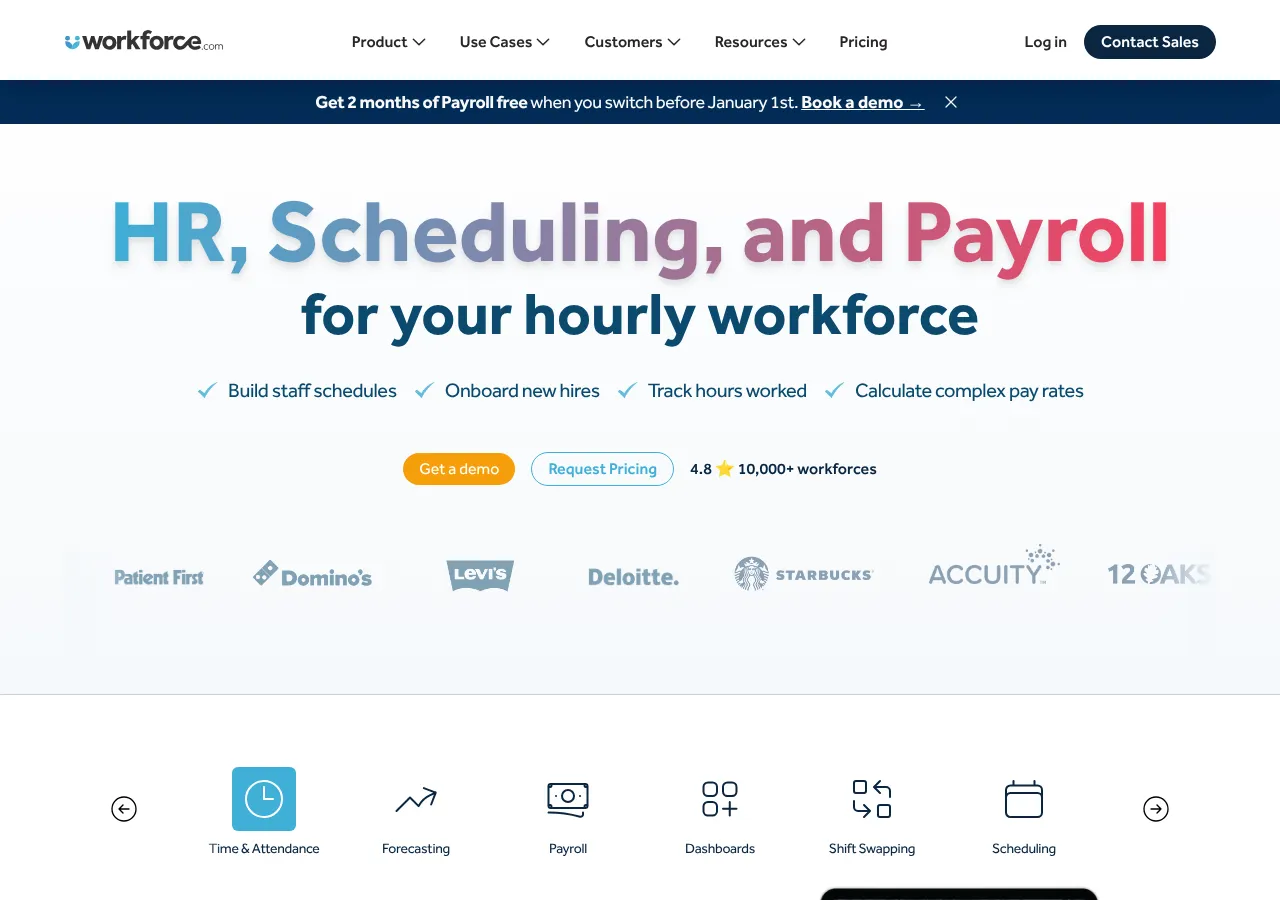
Workforce.com’s homepage, captured November 13, 2026.
- Best for: multi-location employers in predictive scheduling cities that want scheduling, time, and US payroll from one vendor
- Score: 3.58/5
- Pricing (as of November 2026): Pricing on request. Licensed per user for the bundle you choose (All-in-One, Scheduling, Payroll, or HR), with discounts by module count, contract length, and billing terms.
- Ratings: G2 4.5 out of 5 (139 reviews); Capterra 4.7 out of 5 (41 reviews)
What it is: Workforce.com is a scheduling, time and attendance, HR, and payroll platform for hourly workforces in hospitality, retail, and care. It sells in the US, Canada, and the UK. Every plan includes employee profiles, the mobile app, communication, and advanced reporting.
What users say: A marketing coordinator at a construction company with 11 to 50 employees said on Capterra: “Workforce.com is user-friendly for both our team members and admins.” A veterinary clinic reviewer said the QuickBooks integration didn’t help because they used the desktop version rather than the cloud version.
Key features:
- Fair Workweek rules for Oregon, Berkeley, Emeryville, San Francisco, Los Angeles, Los Angeles County, Chicago, Evanston, New York City, Philadelphia, and Seattle
- Daily and weekly overtime thresholds with weighted average overtime, and meal break monitoring against state laws
- Full service US payroll with tax filing for W-2 employees and 1099 payments
- Integrations with ADP, Gusto, Paychex, Square, Toast, QuickBooks, and Xero
Pros:
- The widest list of named predictive scheduling jurisdictions in this roundup
- Scheduling, time, HR, and payroll from one vendor
- Strong review scores
Cons:
- No public prices; you need a sales conversation to get a number
- No self-serve trial
- Small Capterra sample (41 reviews)
Bottom line: If you run sites in several Fair Workweek cities, Workforce.com deserves a demo, even though it costs more effort to evaluate than the tools above it.
8. Dayforce: best for midsize employers that want one HR system
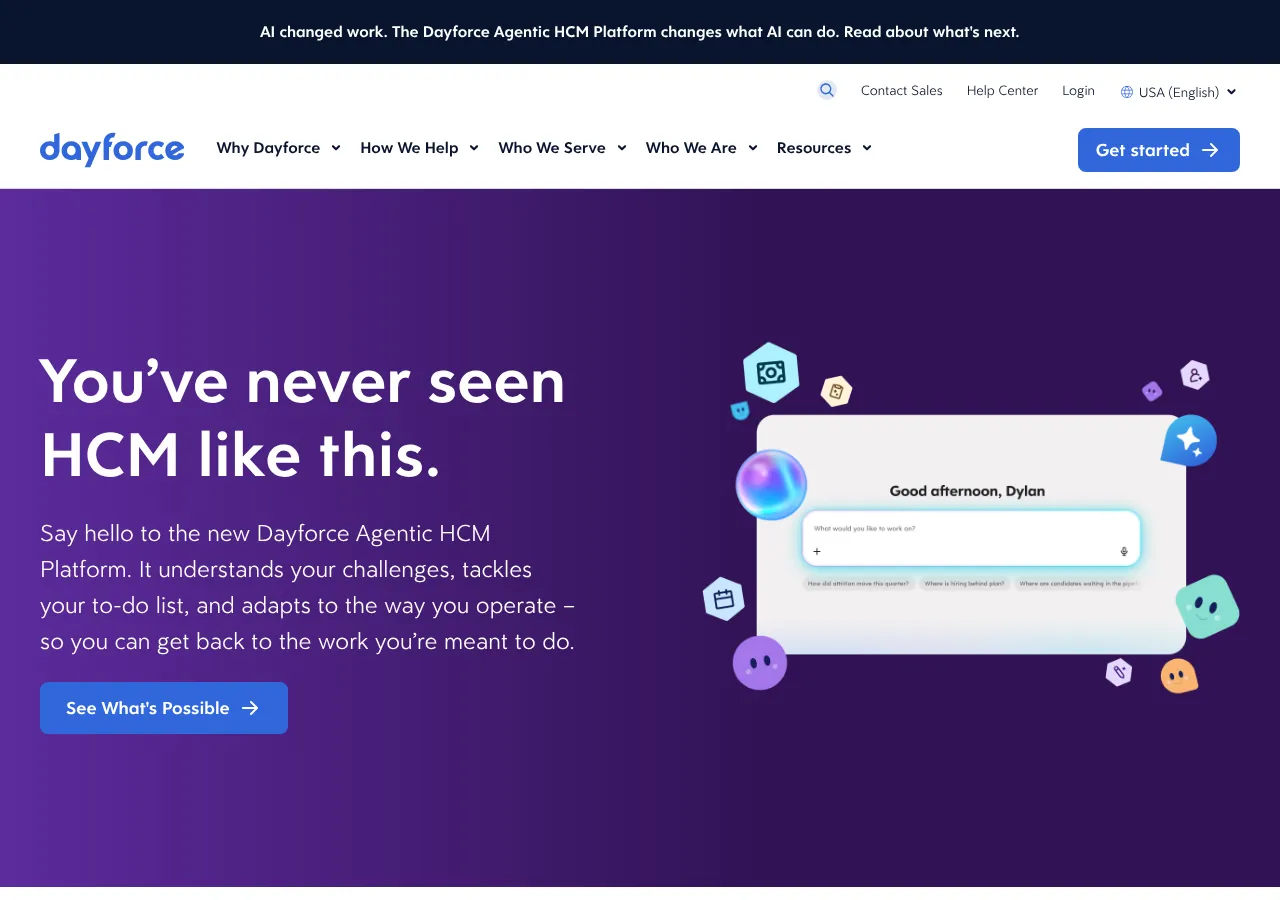
Dayforce’s homepage, captured November 13, 2026.
- Best for: employers with 100+ employees that want WFM, HR, and payroll in a single system
- Score: 3.13/5
- Pricing (as of November 2026): Pricing on request. Dayforce says price depends on features, user count, and services.
- Ratings: G2 4.2 out of 5 (962 reviews); Capterra 4.3 out of 5 (1,064 reviews)
What it is: Dayforce is a human capital management (HCM) platform with workforce management, scheduling, time tracking, absence, and payroll in one system. Its sales segments start at 100 to 1,000 employees. It says it covers payroll and compliance in more than 200 countries and territories.
What users say: An enterprise learning manager wrote on G2 in 2026: “I like the smart scheduling feature that uses availability and skills.” A receptionist at a small veterinary business complained about “having to log in/get text to verify pretty much every single time.”
Key features:
- Scheduling, time and attendance, demand forecasting, and labor analytics in the same system as payroll
- Fair Workweek predictive scheduling premium rules, configurable by region
- Absence management, with FMLA leave tracking through partner solutions
- Payroll and compliance across many countries
Pros:
- One employee record for scheduling, time, HR, and payroll
- Deep scheduling and compliance features for larger operations
- Large review base
Cons:
- Built for 100+ employees; too much system for most small teams
- No public pricing, and implementation goes through sales
- The lowest G2 score among the tools listed here
Bottom line: Choose Dayforce when you’re replacing your whole HR and payroll stack, not just your schedule.
Which workforce management software should you choose?
The best workforce management software for most small and midsize businesses is Deputy, for its mix of forecasting, time clocks, and named US labor law rules.
Our recommendation
- Best overall for small and midsize businesses: Deputy, for its mix of forecasting, time clocks, and named US labor law rules.
- Best on a tight budget: Humanity Schedule at $2.75 per employee, or When I Work at $2.50 per user if you mainly need schedules.
- Best free plan: Homebase for one location, or Connecteam if your 10 or fewer people work across sites.
- Best for several Fair Workweek cities: Workforce.com, if you’re willing to go through a demo.
- Best if you’re replacing HR and payroll too: Dayforce for 100+ employees.
You may not need workforce management software yet. If you have one location, fewer than about 10 hourly workers, and no overtime or break problems, a shared schedule plus Homebase’s or Connecteam’s free plan is enough. Paid WFM starts to pay off when managers spend hours on the schedule each week, unplanned overtime shows up on payroll, or you open a second location.
Every tool we considered
| Tool | Made the top 8? | Why or why not |
|---|---|---|
| Deputy | Yes (#1) | Forecasting, time clock, and named US labor law rules at a self-serve price |
| Humanity Schedule | Yes (#2) | Lowest per-employee price with a compliance rules engine |
| Homebase | Yes (#3) | Free plan for one location and built-in US payroll |
| Connecteam | Yes (#4) | Free for 10 users, flat price for 30 |
| When I Work | Yes (#5) | Simple, low-cost US scheduling and time tracking |
| Planday | Yes (#6) | Hospitality scheduling across 14 countries |
| Workforce.com | Yes (#7) | Widest Fair Workweek coverage, with payroll |
| Dayforce | Yes (#8) | WFM inside a full HR and payroll suite for 100+ employees |
| Quinyx | No | Quote only and aimed at multi-site brands; tied with Dayforce on score, but it doesn’t document US labor law features on its site |
| Legion | No | Quote only, built for enterprises with large hourly workforces |
| UKG Pro Workforce Management | No | Quote only, designed for enterprises with complex needs |
| Zebra Workcloud | No | Quote only, aimed at large retail and banking operations |
| WorkForce Suite (ADP) | No | Quote only, for organizations with 150+ employees |
| Shiftboard | No | Quote only with minimum fees, aimed at energy and manufacturing operations |
| Paylocity | No | HR and payroll suite with time tools; quote only, covered better in an HR software comparison |
| Paycor | No | HR and payroll suite; quote only |
| Rippling | No | HR platform where scheduling and time are modules; better compared as HR software |
Get new HR templates and tools by email
New templates, plain-English guides, free tools, and HR rule changes worth knowing. About twice a month; unsubscribe any time.
Used only to send the newsletter. Privacy policy
You’re on the list. The first email is on its way soon.
Frequently asked questions
What is workforce management software?
Workforce management (WFM) software runs the hourly side of a business: it builds shift schedules, records when people clock in and out, tracks time off, and flags overtime and break problems before payroll. Fuller suites add demand forecasting, labor cost budgets, and rules for local scheduling laws. Most send approved hours to your payroll provider.
What is the best workforce management software for a small business?
In our comparison, Deputy scored highest because it combines scheduling, time clocks, demand forecasting, and named US labor law rules from US$5 per user per month. Humanity Schedule is cheaper per employee, and Homebase and Connecteam have free plans for teams of up to 10.
How much does workforce management software cost?
Public prices we found in November 2026 start at US$2.50 per user per month (When I Work), US$2.75 per employee (Humanity Schedule), US$5 per user (Deputy), US$24 per location (Homebase), and US$29 a month for the first 30 users (Connecteam). Workforce.com and Dayforce price by quote.
Is there free workforce management software?
Yes, with limits. Homebase's Basic plan is free for one location and up to 10 employees, and Connecteam's Small Business Plan is free for up to 10 users. Both cover scheduling and a time clock. Paid plans add things like geofenced clock-in, overtime alerts, and payroll integrations.
What is the difference between workforce management and employee scheduling software?
Scheduling apps build and share shifts. Workforce management software also covers time and attendance, absence, labor cost forecasting, and labor law rules, and it connects those to payroll. Many small business tools, such as Deputy, Homebase, and When I Work, now sit between the two.
Will workforce management software keep us compliant with predictive scheduling laws?
It helps but does not make you compliant on its own. Tools such as Deputy, Workforce.com, and Humanity Schedule flag late schedule changes, short rest between shifts, and premium pay, but you still have to set the rules for your locations and act on the alerts. Check the official rules for each city where you have staff.
Found this useful? Get the next one by email
New templates, plain-English guides, free tools, and HR rule changes worth knowing. About twice a month; unsubscribe any time.
Used only to send the newsletter. Privacy policy
You’re on the list. The first email is on its way soon.
More in HR software
The 8 Best Applicant Tracking Systems for Small Businesses in 2026
We compared 15 applicant tracking systems for small and growing teams on price, setup, features, and reviews. Here are the 8 best, with prices checked November 2026.
The 9 Best BambooHR Alternatives in 2026
Leaving BambooHR over price or add-on payroll? We compared 19 alternatives for US teams on price, HR features, payroll, and reviews. Here are the 9 best.